Tilda
How to setup Tilda for Payme
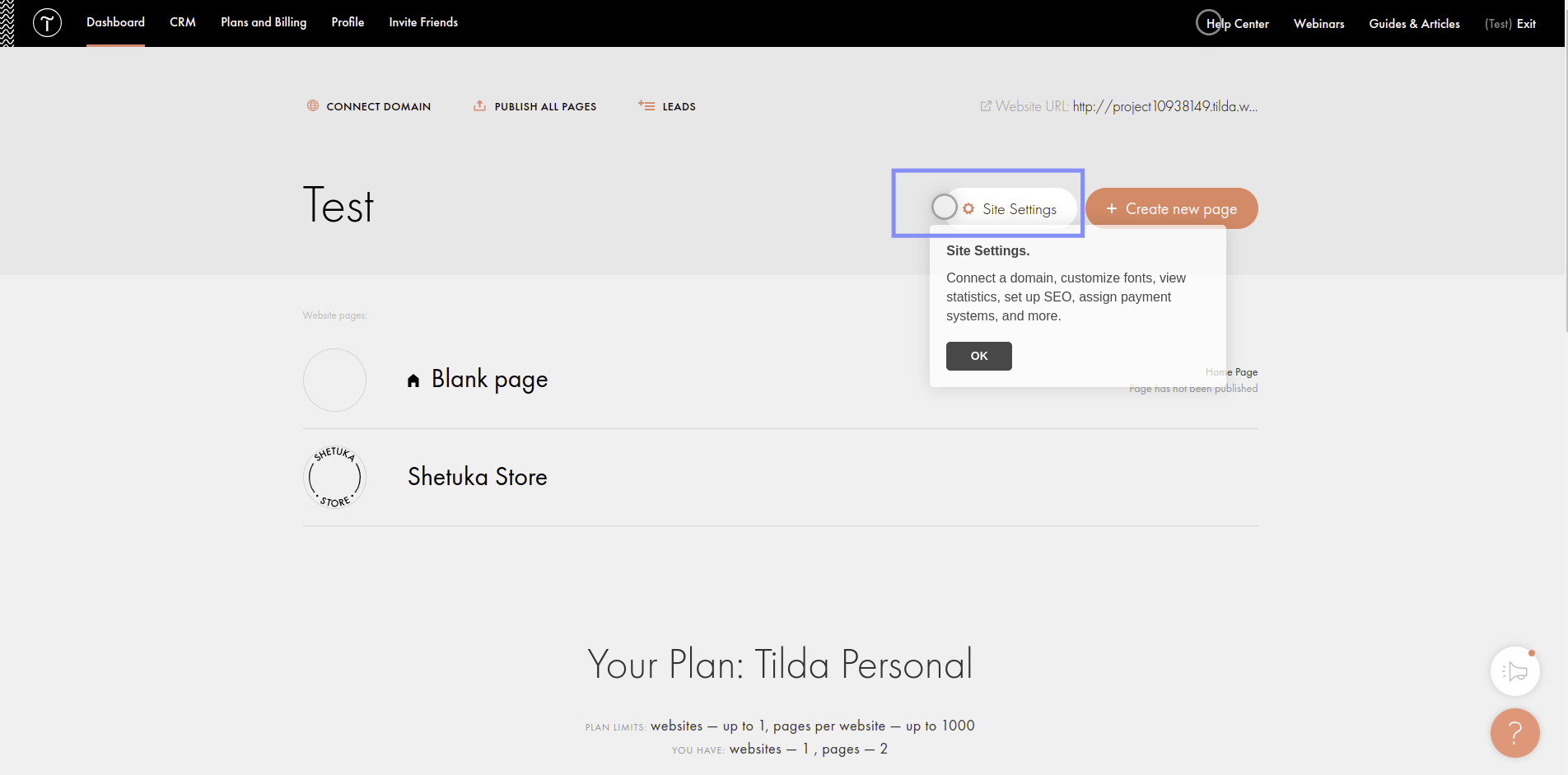
Step 1. Ensure your plan is at least Tilda Personal
Step 2. Go to site settings
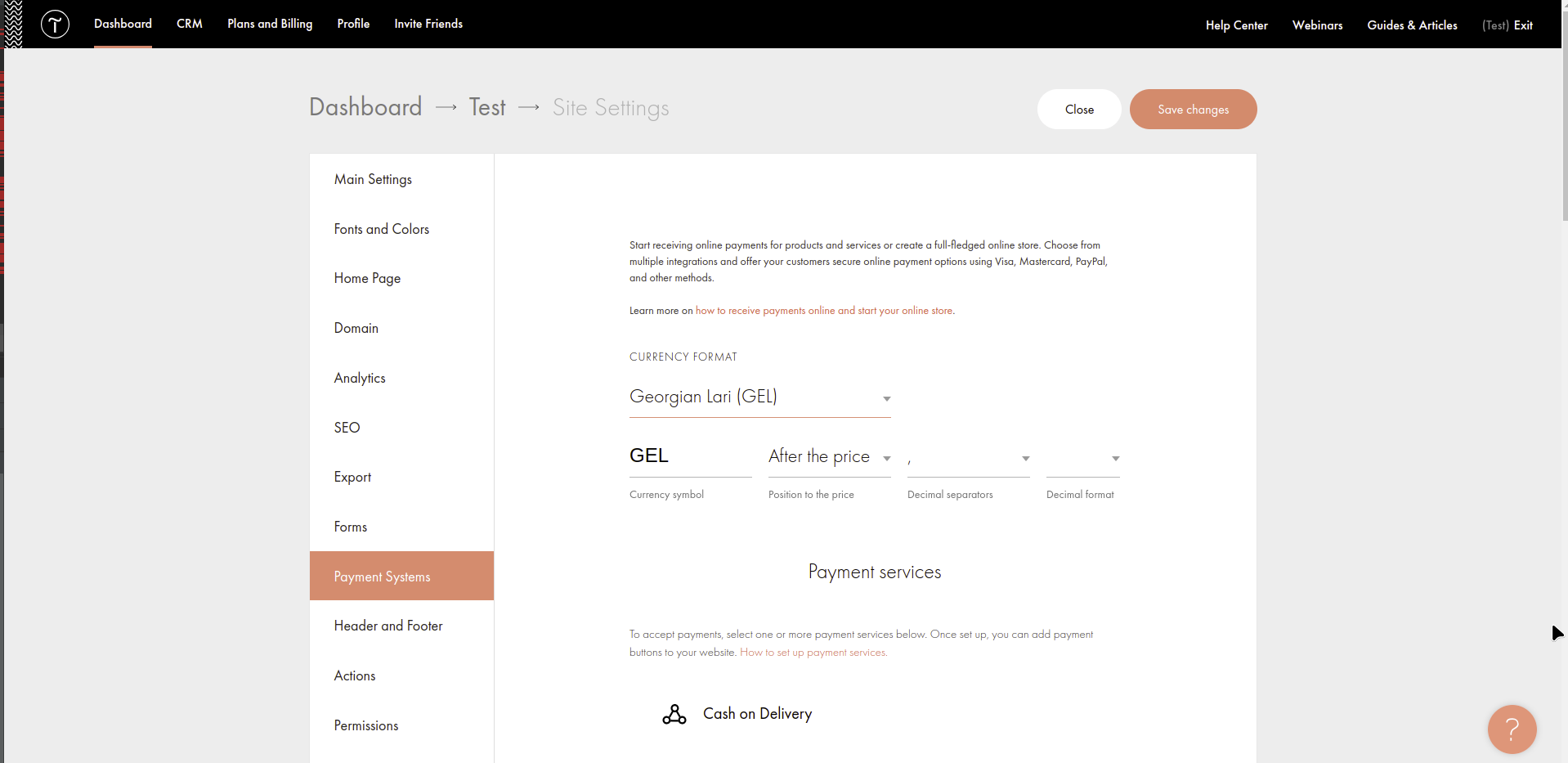
Step 3. Select menu Payment Systems
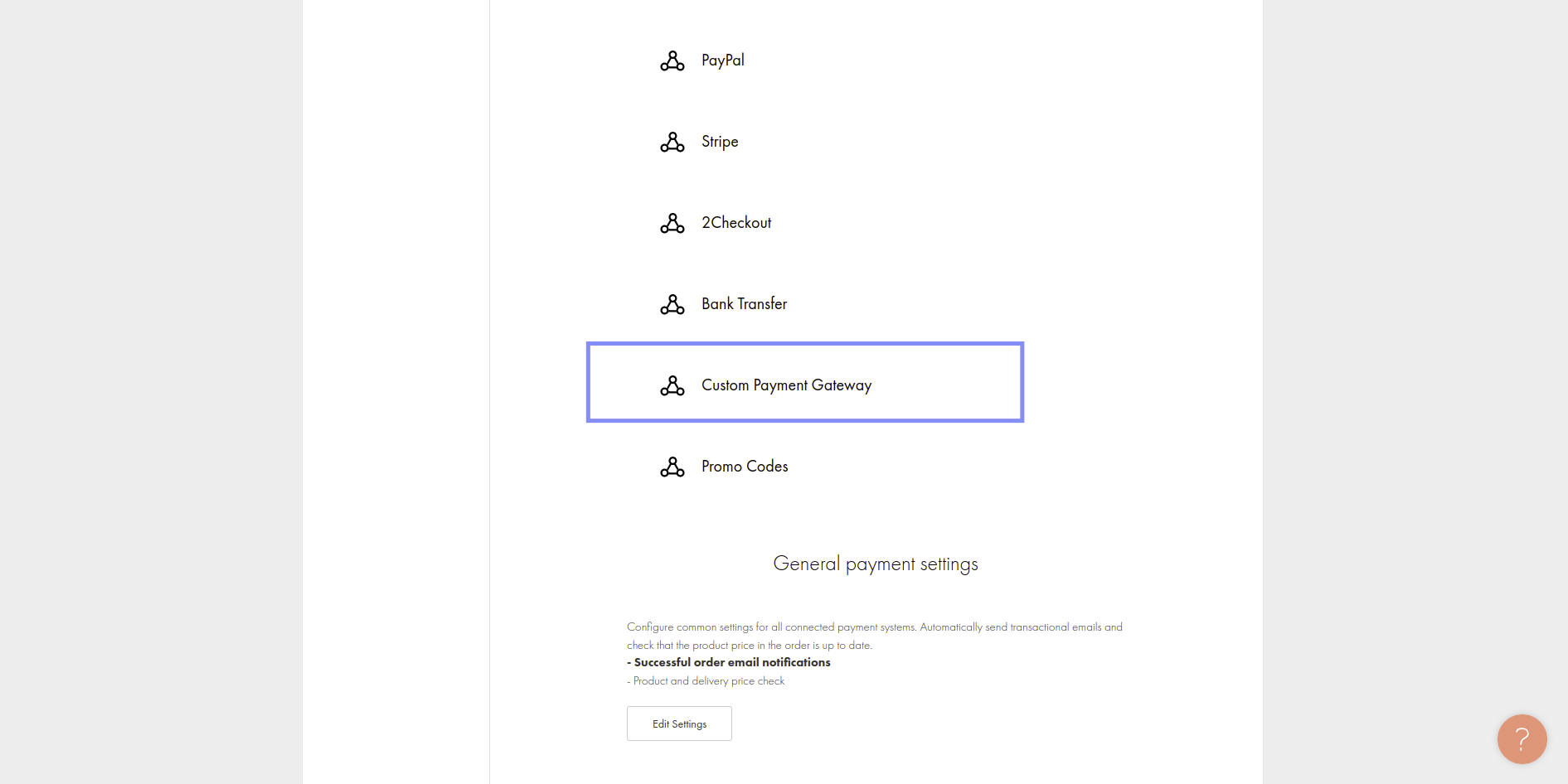
Step 4. Select Custom Payment Gateway
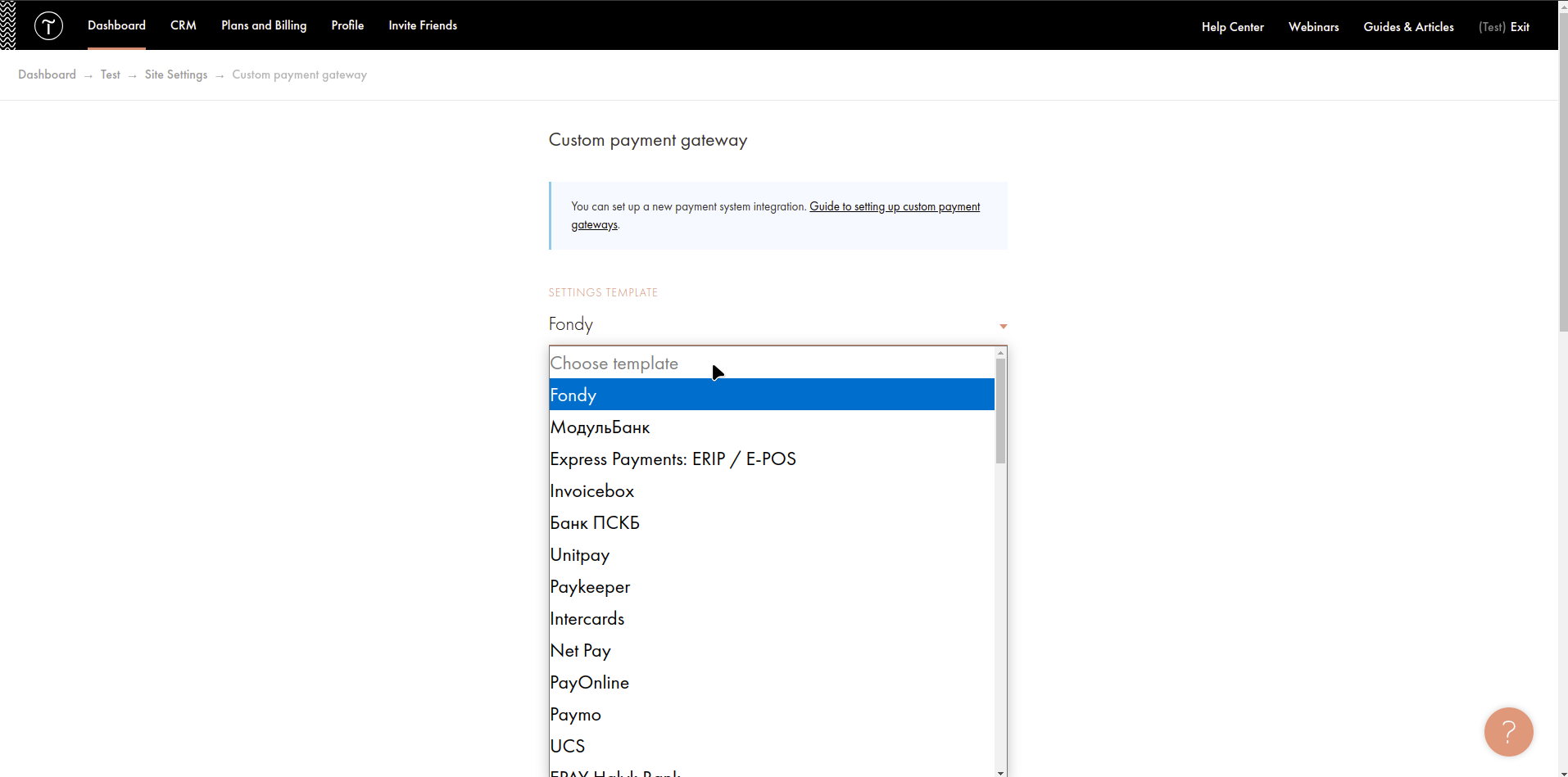
Step 5. Select template Fondy
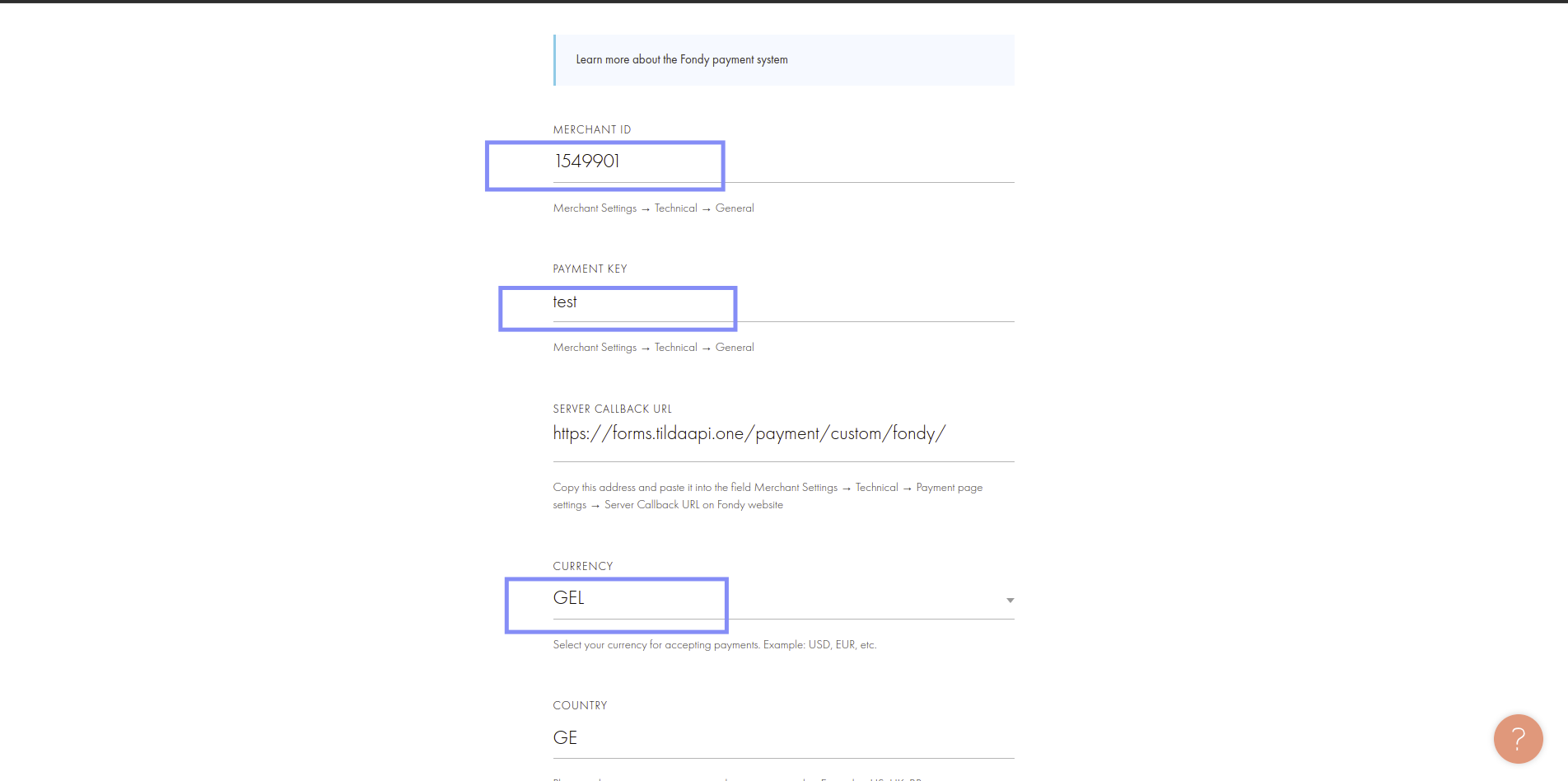
Step 6. Setup your Payme merchant ID, payment key
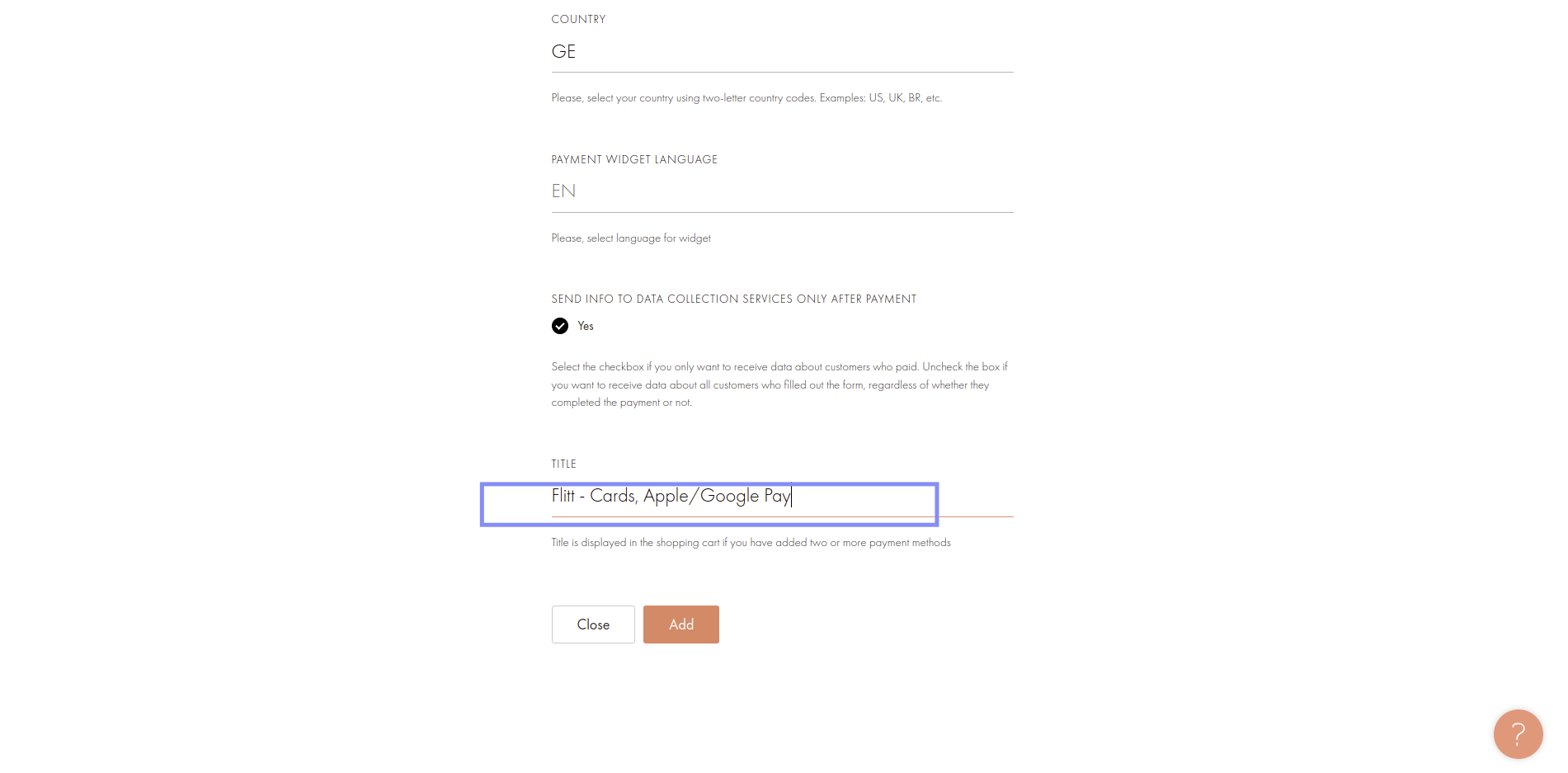
Step 7. Change title to: Payme - Cards